
Government & civic websites
Public websites residents can use and staff can keep up to date.
We design and build accessible websites for cities, counties, special districts and libraries, on open-source software you own, with migration, staff training, hosting and security support you can keep with us or take in-house.
- WCAG 2.1 Level AA
- Open-source CMS, no license fees
- You own the site and the code
- US-hosted, patched as advisories land
Sample alert: Main Street closed for repaving through Friday.
How can we help you today?
I want to…
- Pay a utility bill
- Report a problem
- Find a meeting agenda
- Apply for a permit
- Trash and recycling
- Parks and events
Built for public service
One website for the places residents rely on.
Every department gets pages that look consistent, read clearly and stay current, from the council chambers to the trailhead.
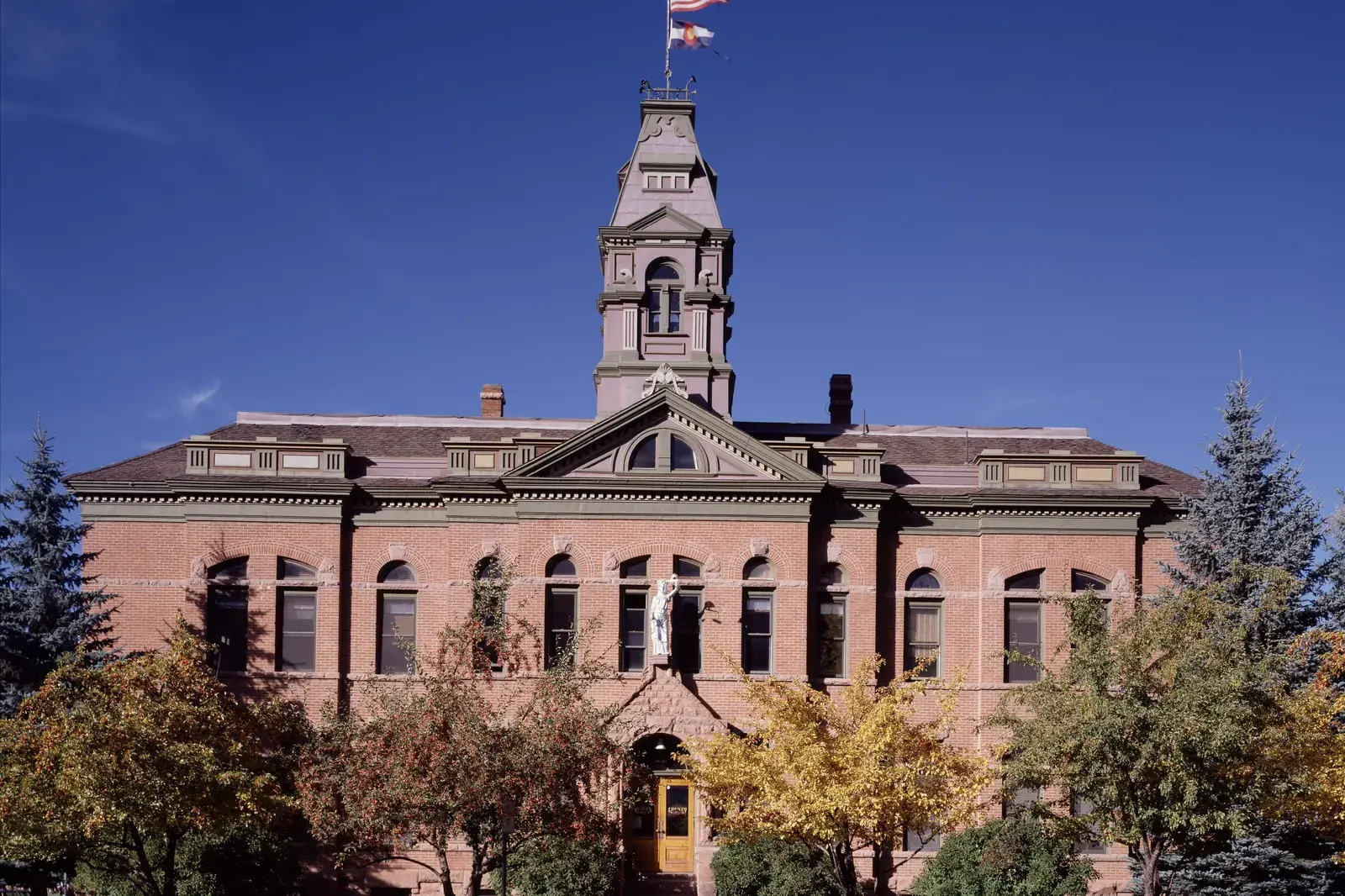
City hall, courts and council
Agendas, minutes, public notices and meeting video, published on time and easy to search.
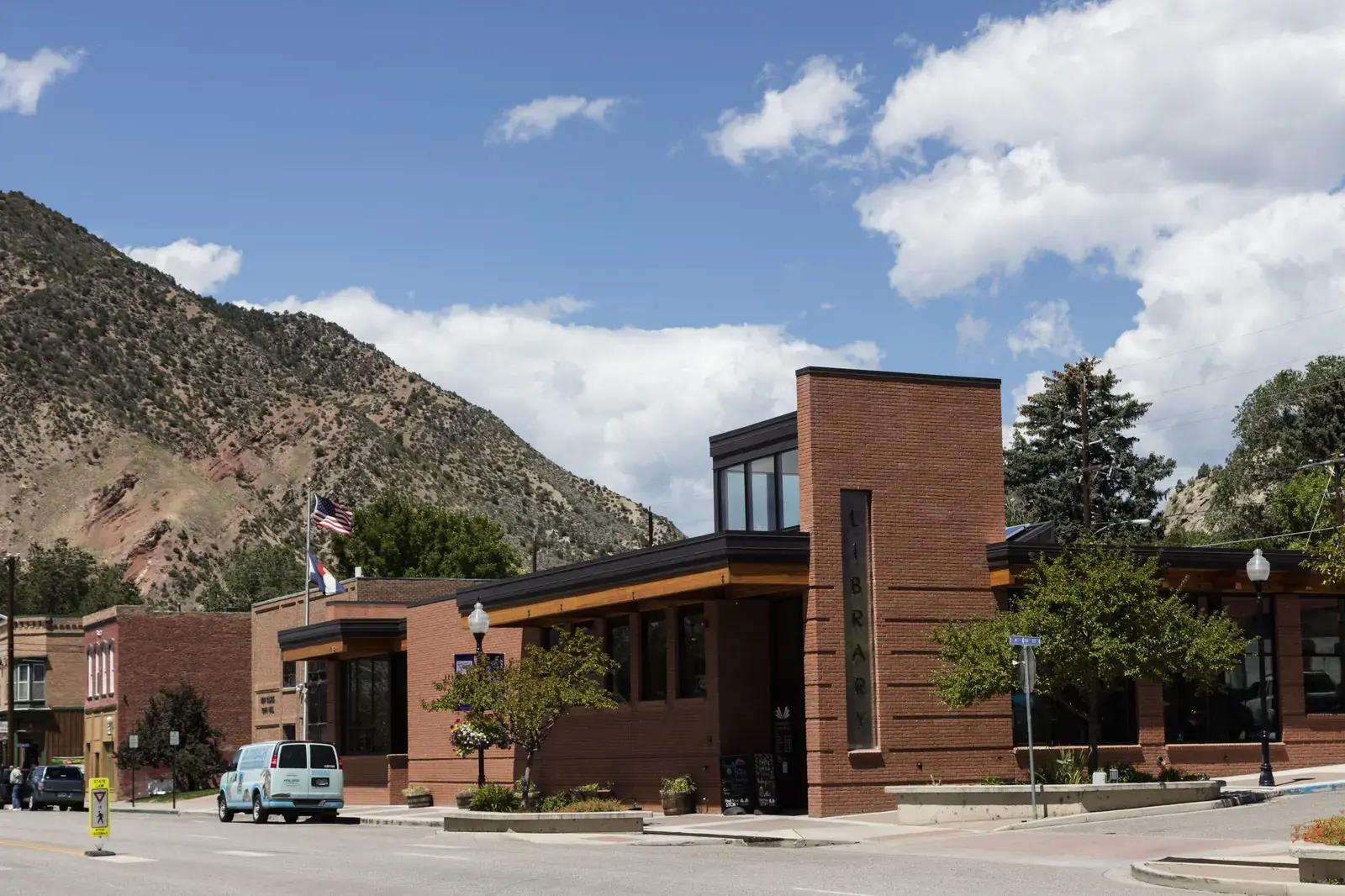
Libraries
Hours, events, programs and catalog links that staff can update the same day.
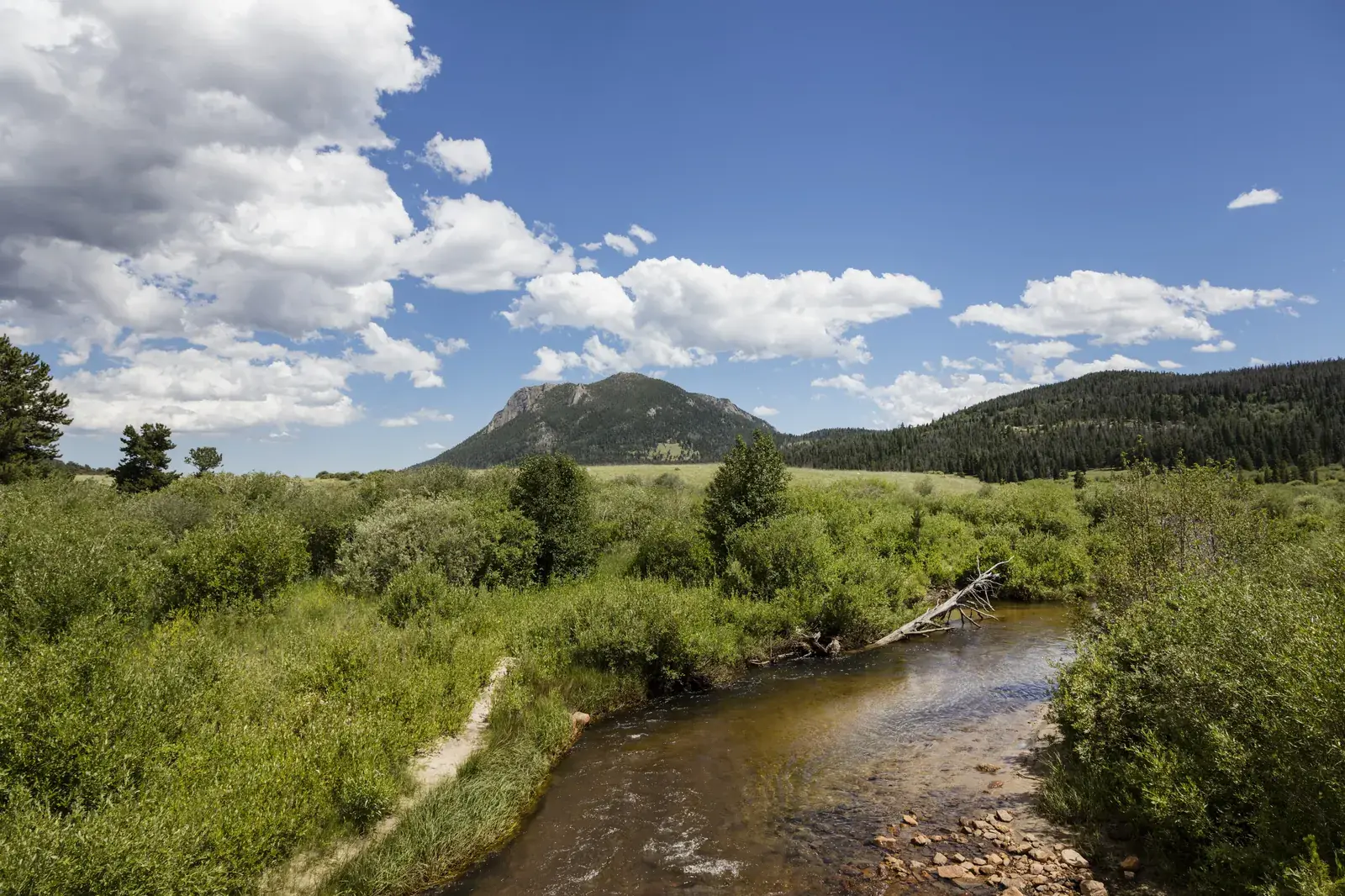
Parks and recreation
Facility pages, closures, reservations and program sign-ups residents can find from a phone.
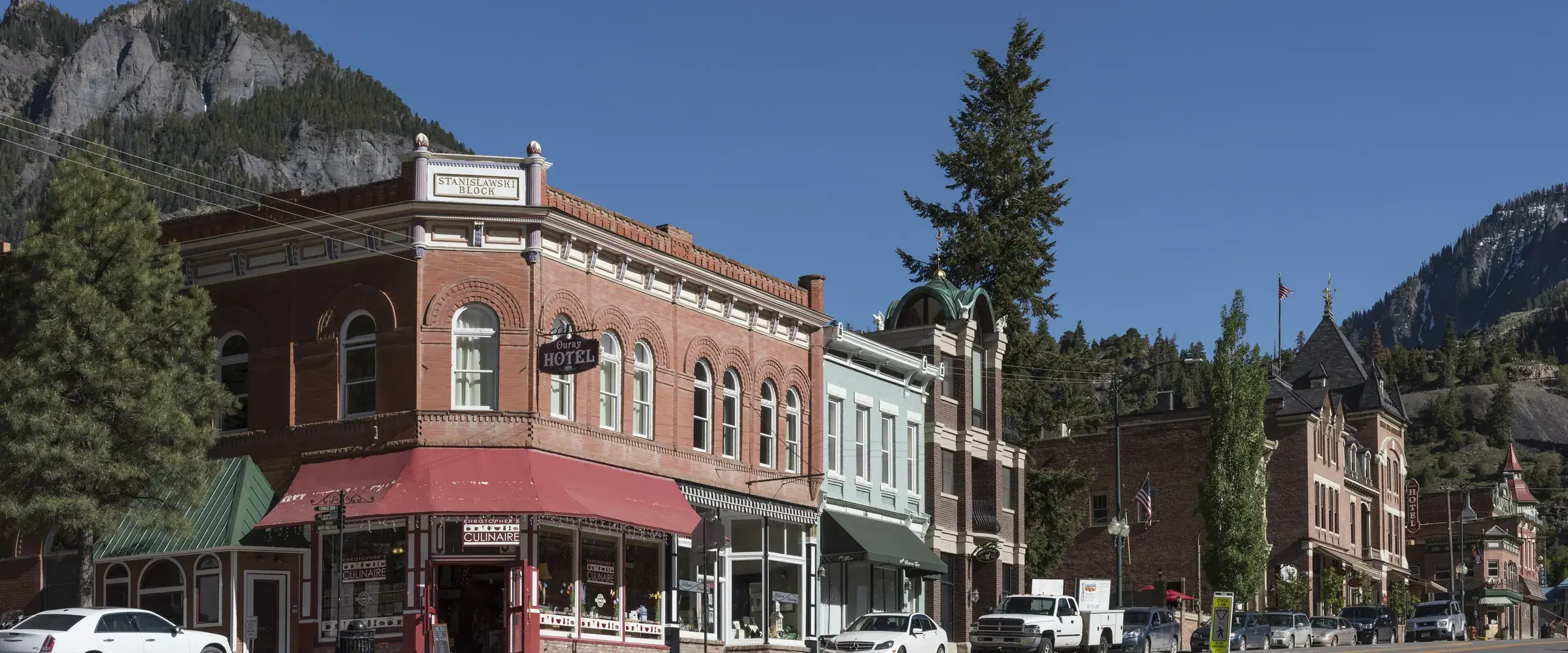
Illustrative photos, public domain (Carol M. Highsmith Archive, Library of Congress).
Platform
WordPress your editors already understand, or headless when you need more.
We recommend the platform that fits your staff and your services, not the one that's easiest for us to sell. Either way, it's open source and it's yours.
WordPress with the block editor
Our default for most public websites
- The Gutenberg block editor: if your staff can write a blog post, they can update a page.
- A library of accessible content blocks for alerts, service pages, events, documents, staff directories and forms, styled to your brand.
- Editor roles and approval steps, so department editors draft and a web lead publishes.
- Scheduled publishing and homepage alerts that switch on and off on time.
- Open source with no license fees, and a large pool of people who already know it.
Headless and custom
When the site is really an application
- A fast front end in Next.js, with WordPress or another open-source CMS behind it for editing.
- A good fit for service portals, payments, permit or reservation tools, and data-heavy pages.
- Full-code builds, like this site, with no proprietary platform to renew.
- The same accessibility, hosting and patching commitments as our WordPress sites.
Accessibility
WCAG 2.1 AA and ADA Title II, at launch and every day after.
Accessibility isn't a scan at the end of the project. It's built into the templates, checked while staff edit, and monitored after launch.
Built to WCAG 2.1 AA
Templates, blocks and navigation are built and tested to WCAG 2.1 Level AA, the standard the U.S. Department of Justice adopted for state and local government websites under ADA Title II.
Checks before a page goes live
Editors get checks in the editor for the common problems: missing alt text, skipped heading levels, vague link text, tables without headers and low-contrast text.
Monitoring after launch
Scheduled scans of new and updated content, a written report of what needs attention, and fixes to our own templates and components when an issue traces back to them.
Hand testing, not just a scanner
Keyboard-only navigation, screen-reader passes on key pages, zoom and reflow on phones, and color-contrast review on every template.
Documents and PDFs
A plan for your document library: convert the PDFs residents use most into accessible web pages, remediate the ones that must stay PDFs, and archive the rest.
Security
Ongoing security and patch management.
Cielo Hermosa actively monitors the security of every site we build and maintain. We track security advisories for the platforms, plugins, and libraries our sites depend on, and when a vulnerability or issue affects a client site, we deploy the patch or fix right away, without waiting for the next scheduled maintenance window. Routine updates are tested before they go live, and urgent security fixes are prioritized and applied as soon as they’re verified.
This work is part of our standard maintenance. Clients don’t have to request it or report a problem first. Supporting practices include two-factor sign-in on all email and admin accounts, encrypted laptops and stored customer data, at least weekly backups stored separately from the live site, and annual privacy training for everyone who works for the company.
Specific tools and internal procedures are proprietary and available to the client on request under confidentiality.
Process
How a civic website project runs.
Every phase has a written deliverable and a sign-off, so your team always knows what's next and what it costs.
Step 1: Discovery
Workshops with staff, a look at your analytics and top tasks, and your own definition of success, written down.
Step 2: Information architecture
Resident-first navigation built around services people look for, not around the org chart.
Step 3: Design
A custom design rooted in your community's identity, your colors and typography, with review rounds defined in the contract.
Step 4: Build
WordPress or headless, accessible blocks, search, calendars, directories and the integrations your departments rely on.
Step 5: Migration
A content inventory, a content-reduction pass, a page-by-page migration plan and redirects from every old address.
Step 6: Training
Role-based sessions for editors and administrators, recorded, with written how-to guides your staff keep.
Step 7: Launch
A launch checklist, a redirect check, an accessibility pass and a rollback plan, scheduled with your IT team.
Step 8: Support
Ongoing hosting, security patching, accessibility monitoring and help for editors, under a written support plan.
Migration
Leaving a legacy CMS without losing anything.
- Move off a legacy or proprietary CMS, including the content, documents, images and old URLs.
- Content audit and a reduction workshop, so you migrate what residents use instead of every page you have.
- Redirects from old addresses so bookmarks, search results and printed links keep working.
- A dated fallback: if content reduction runs long, the remaining pages move over as-is so launch stays on schedule.
Training
Staff who are confident on day one.
- Hands-on sessions by role: department editors, approvers and site administrators.
- Recordings and written guides for common tasks, like replacing a PDF, posting a meeting notice or scheduling an alert.
- Accessibility basics for editors, so new content stays compliant.
- Refresher sessions for new staff are available under a support plan.
Hosting & support
Hosting and support you can keep with us or take in-house.
- Hosting on US-based infrastructure from major providers that publish independent security (SOC 2) reports, available on request.
- At least weekly backups stored separately from the live site.
- Uptime monitoring, SSL and a written support plan with response times set in your contract.
- Prefer to host it yourself? We can deploy to your servers or cloud account and hand over everything your IT team needs.
Our commitments
Less risk for your team and your budget.
Exact terms are written into each contract. These are the commitments we start from.
Unlimited design revisions
During the design phase we revise the agreed look and layout as many times as you need, at no extra cost, until you give written design sign-off. New templates, new features, or changes after sign-off are written change orders.
If you need to stop
Cancel during planning, before design work begins, and you receive a full refund of professional-services fees, less any third-party costs you already approved in writing. If you cancel later, you pay only for work completed through the stop date and you keep those files. This is not a post-launch money-back guarantee.
Defect fixes on our work
Bugs in the templates, code, and features we build are fixed at no charge for 90 days after launch, and for as long as you remain on an active hosting and support plan with us.
Accessibility on our components
If a template, component, or other code we built does not meet WCAG 2.1 AA, we fix it at no charge for as long as you remain on an active support plan.
Written change orders only
No extra work starts, and we do not bill for travel, stock photos, or similar add-ons, without a written change order that states the scope, the price or how the price is set, and the effect on the schedule.
You own it
The site, the content and the code are yours. No license fees, and no lock-in if you ever move to another vendor.
Planning a website project or an RFP?
We respond to RFPs, RFQs and informal quote requests. Tell us about your site and timeline, and we’ll follow up by email.